
Prefer to talk it through?
Email or reply to your onboarding email and we’ll set up a time.
New to Shrpa?
Two quick overviews of what Shrpa does and how to get going. Watch these first, especially if a teammate just invited you.
Coming soon
What Shrpa does for your destination
How Creator Visits and Atlas Social work together to fill your content library and keep your social calendar running.
Coming soon
Your first steps in Shrpa
What to set up first so Shrpa starts working for you right away.
Dashboard and team
Find your way around the dashboard, bring your team in, and set up your account.
Length:
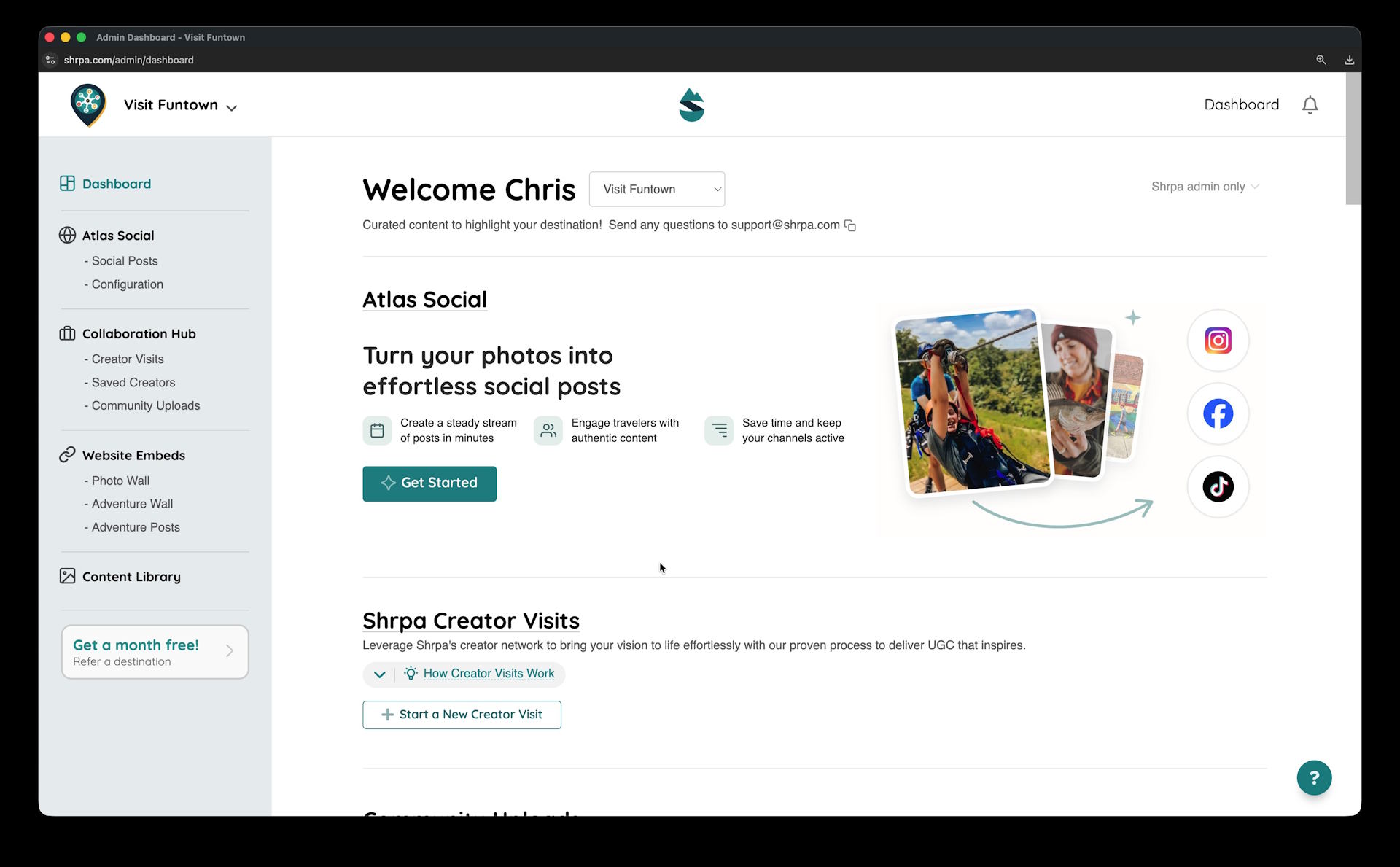
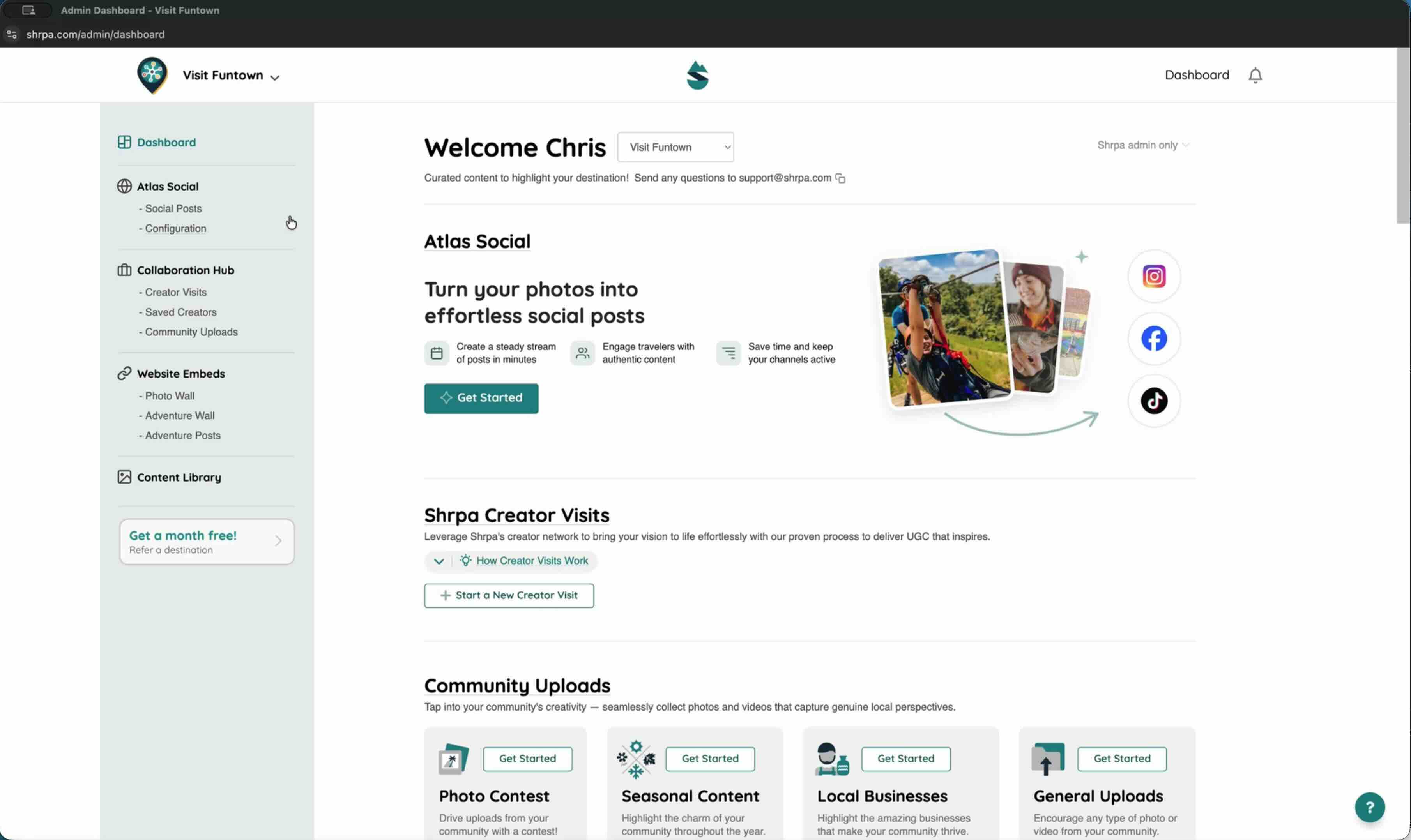
Your Shrpa dashboard in a minute
A quick tour of the dashboard and where everything lives.
Length:
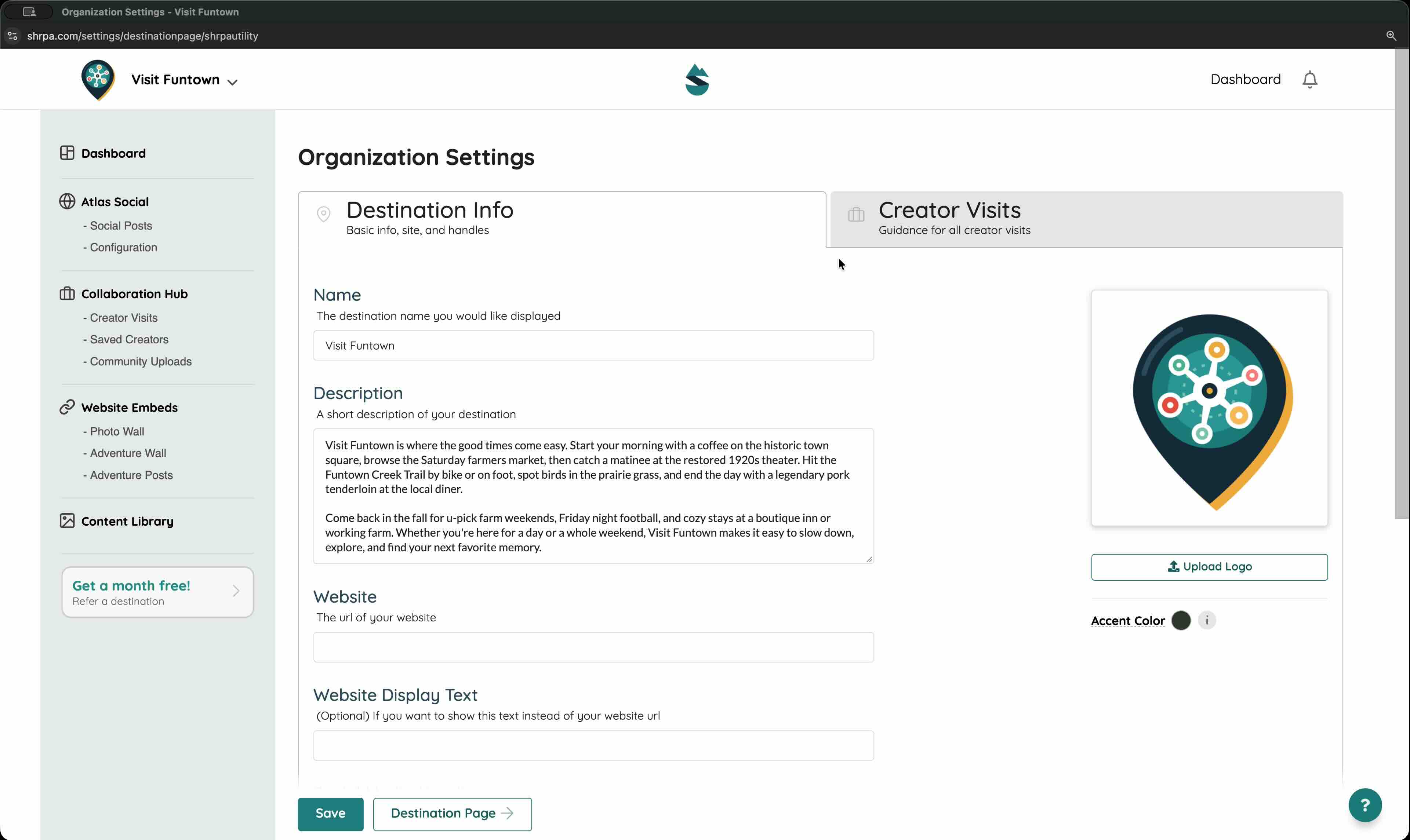
Account and creator settings
Open the menu under your name to update your account and creator settings.
Atlas Social
Connect your accounts, tell Atlas what to promote, and review your weekly posts.
Length:
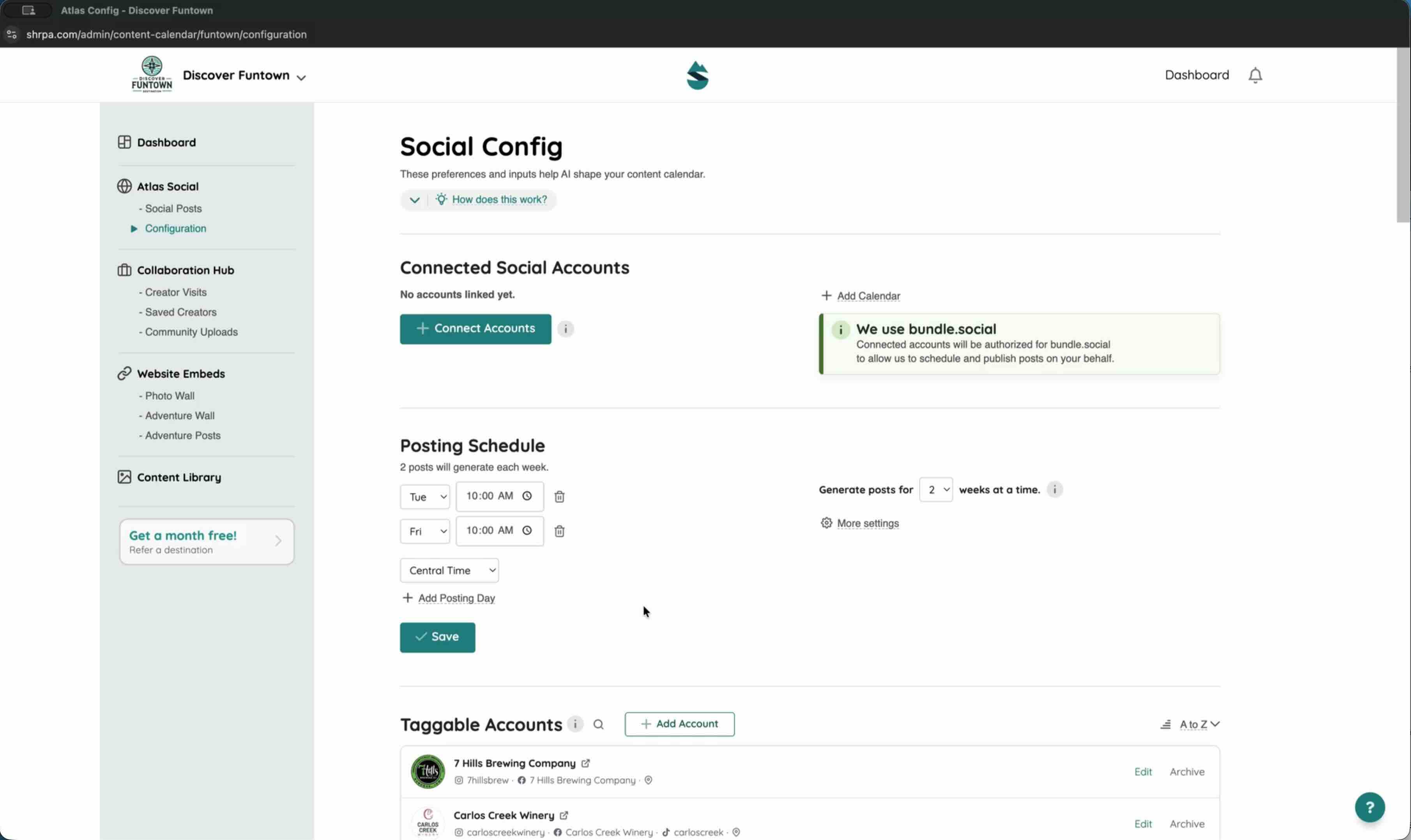
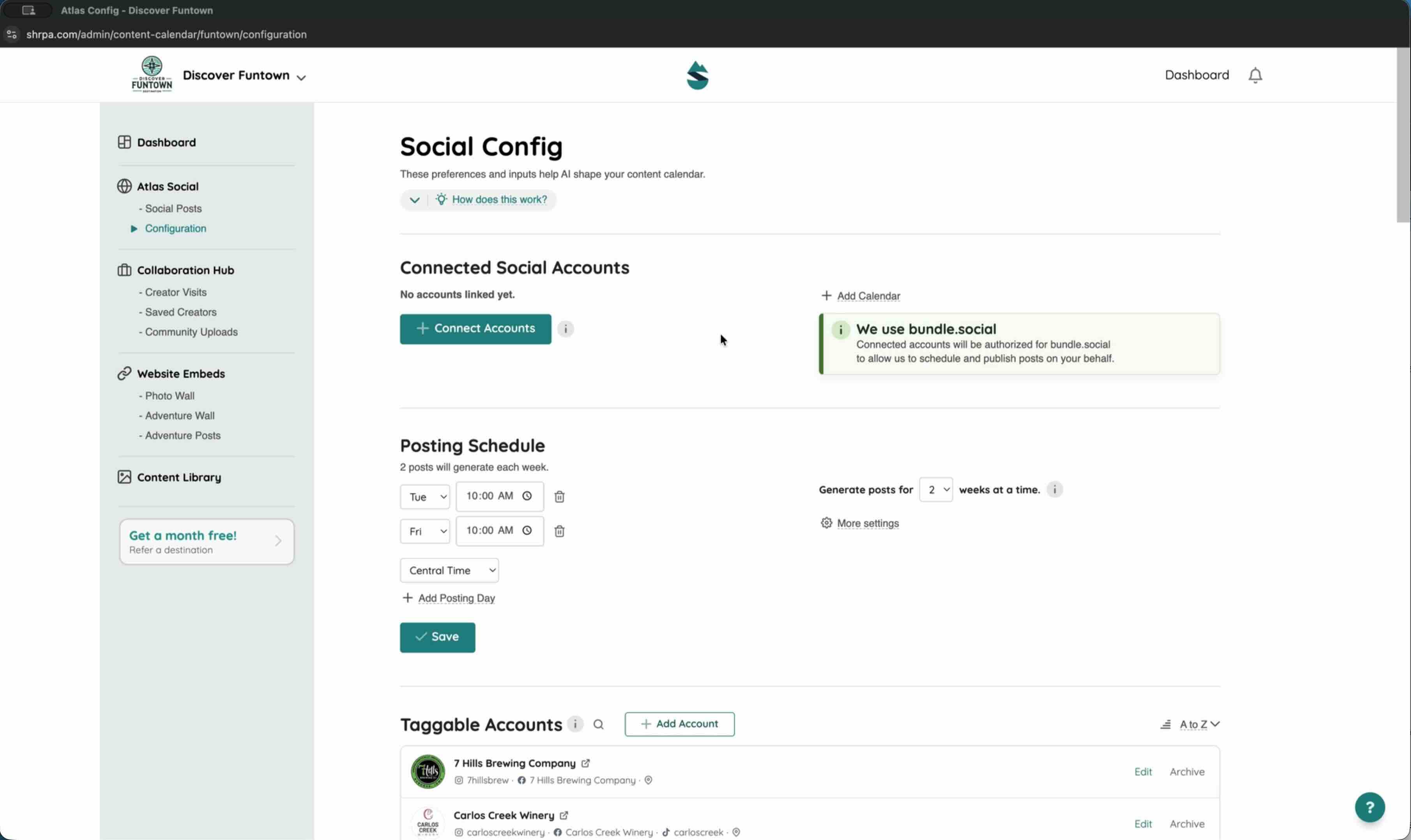
Connecting your social accounts
Link Facebook, Instagram, and TikTok so Atlas can publish for you.
Length:
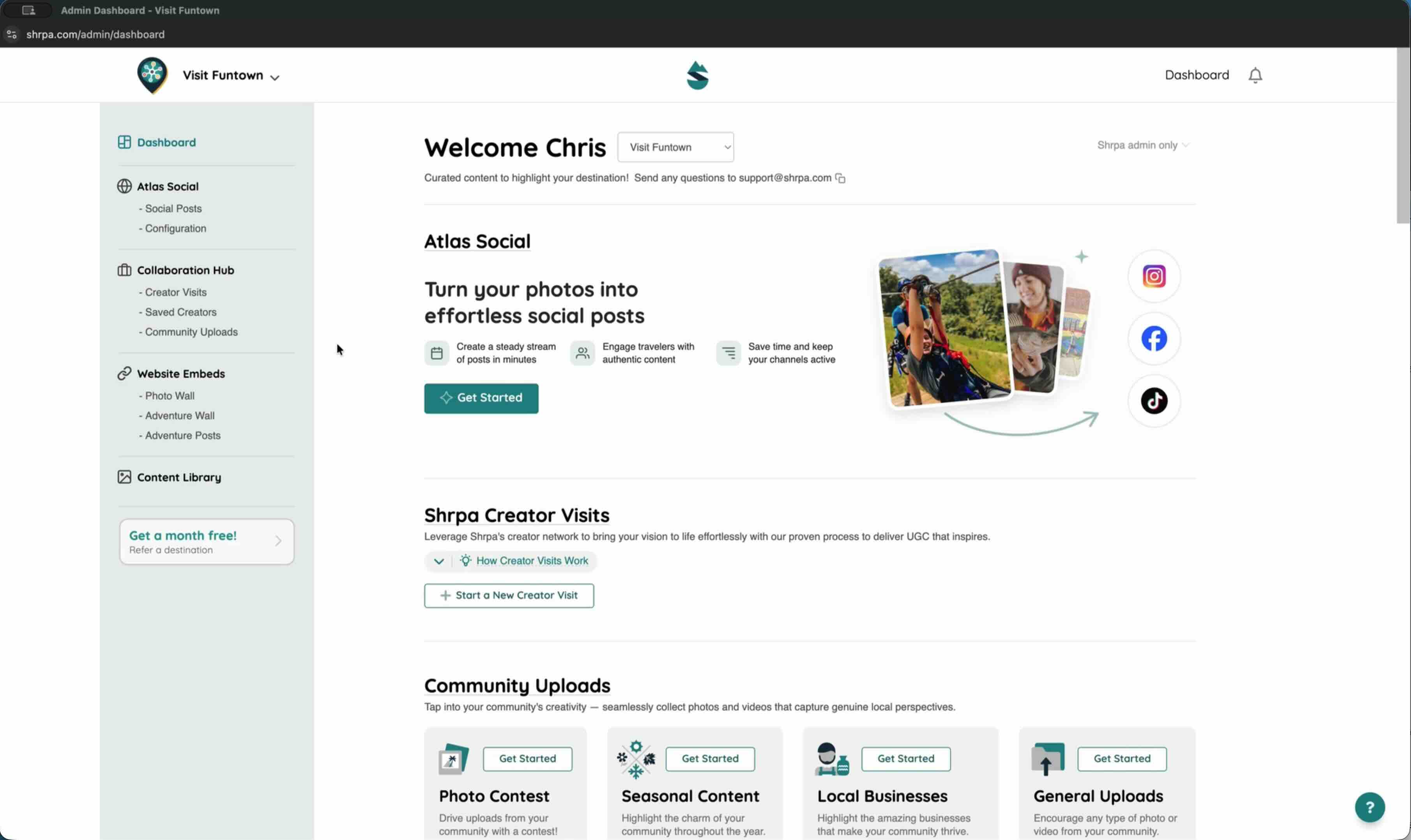
Telling Atlas what to promote
Set up your interests, events, locations, and posting rhythm in Configuration.
Length:
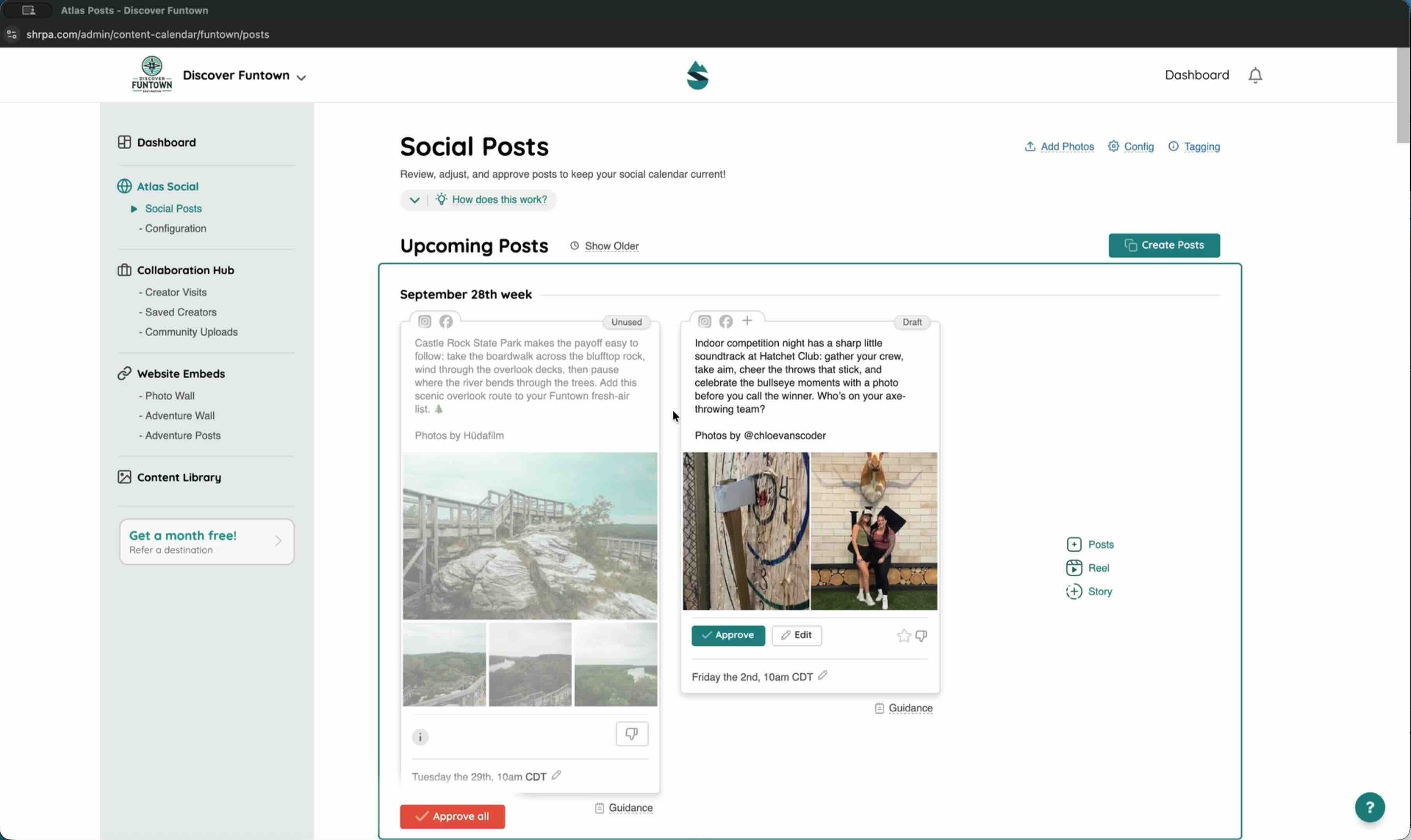
Adding photos and videos to your library
Upload content from your computer or the mobile app so Atlas can use it.
Length:
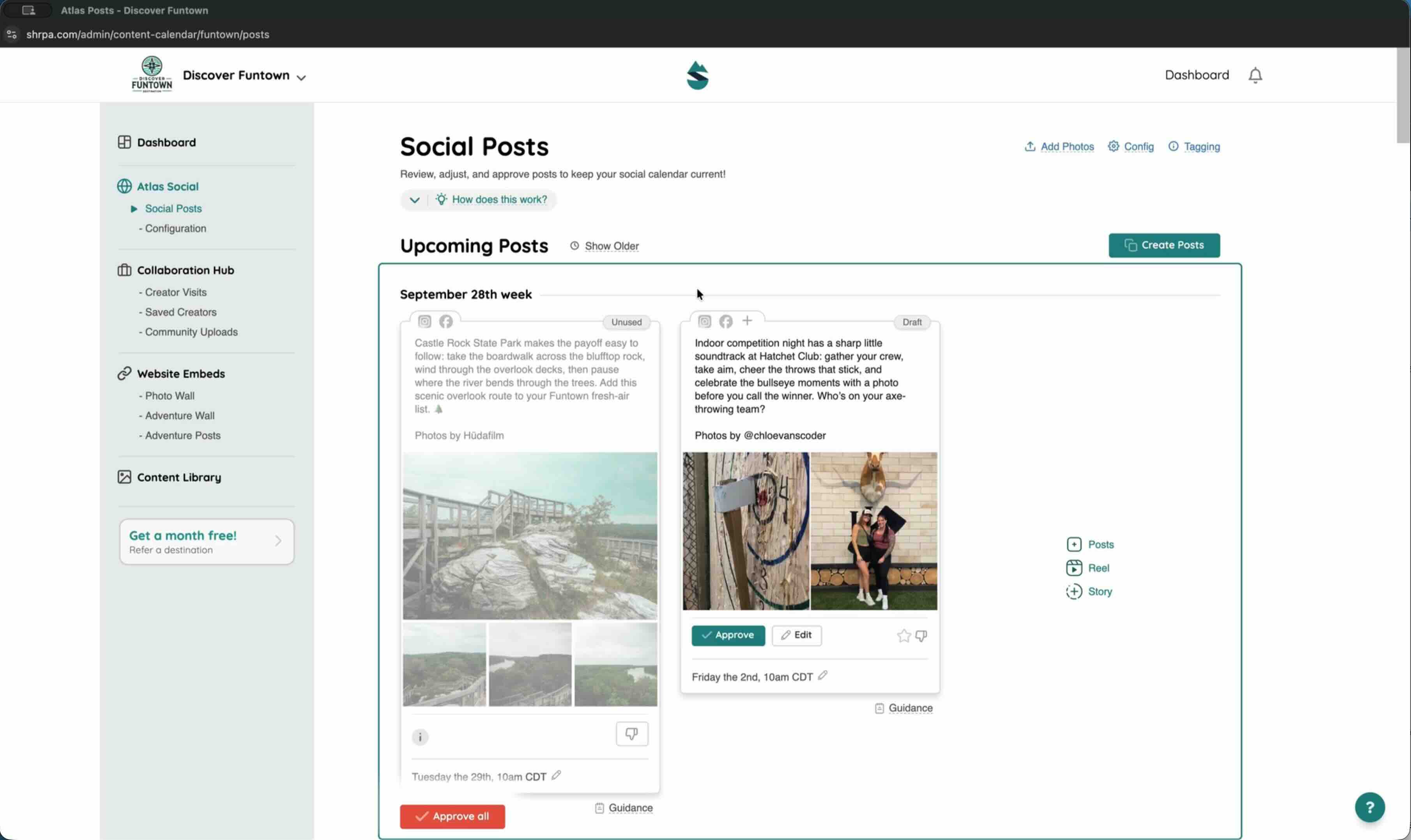
Reviewing and approving your weekly posts
Check each draft, make quick changes, and approve what's ready.
Length:
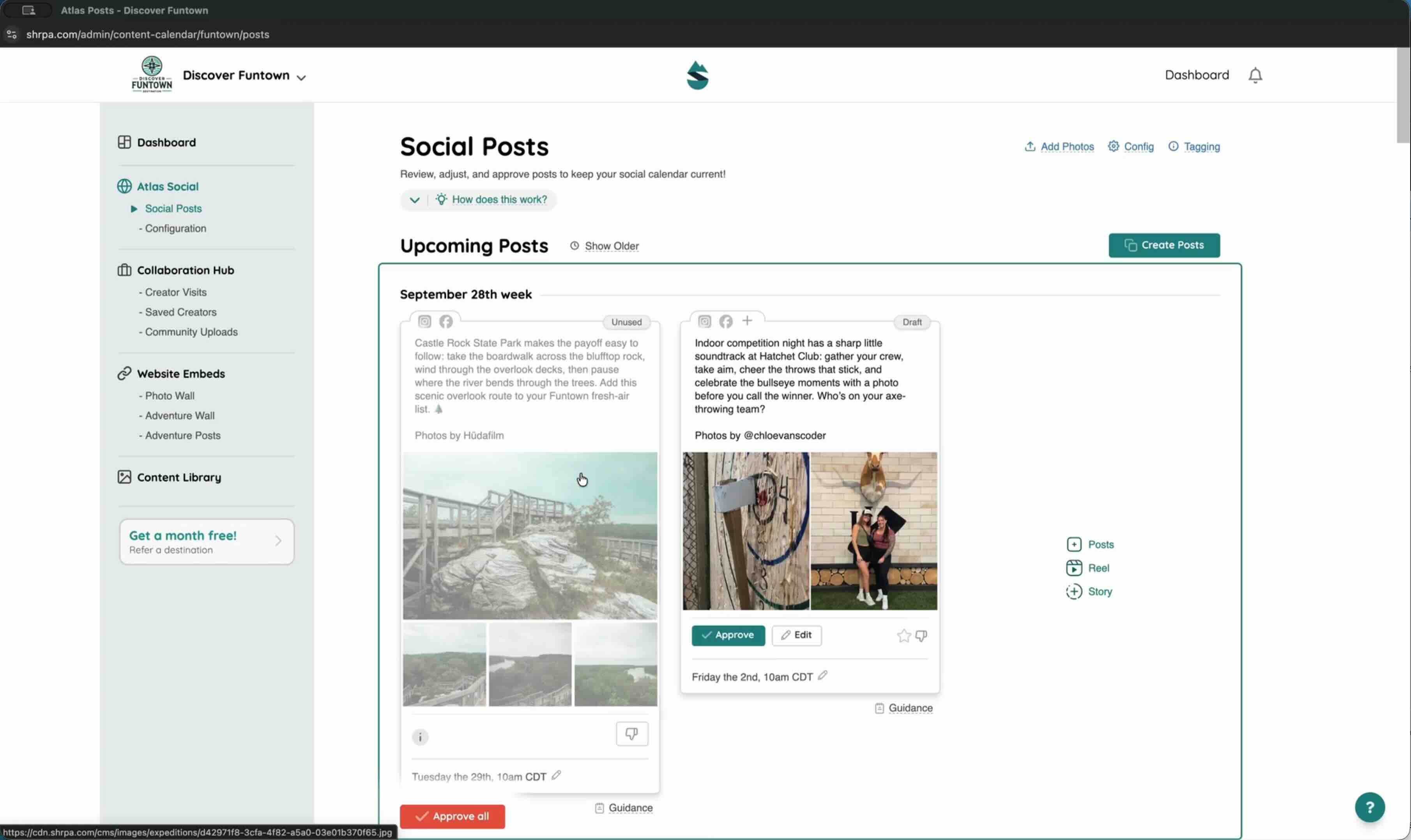
Editing a post
Change the caption, swap photos, adjust the date, or tailor a post by network.
Length:
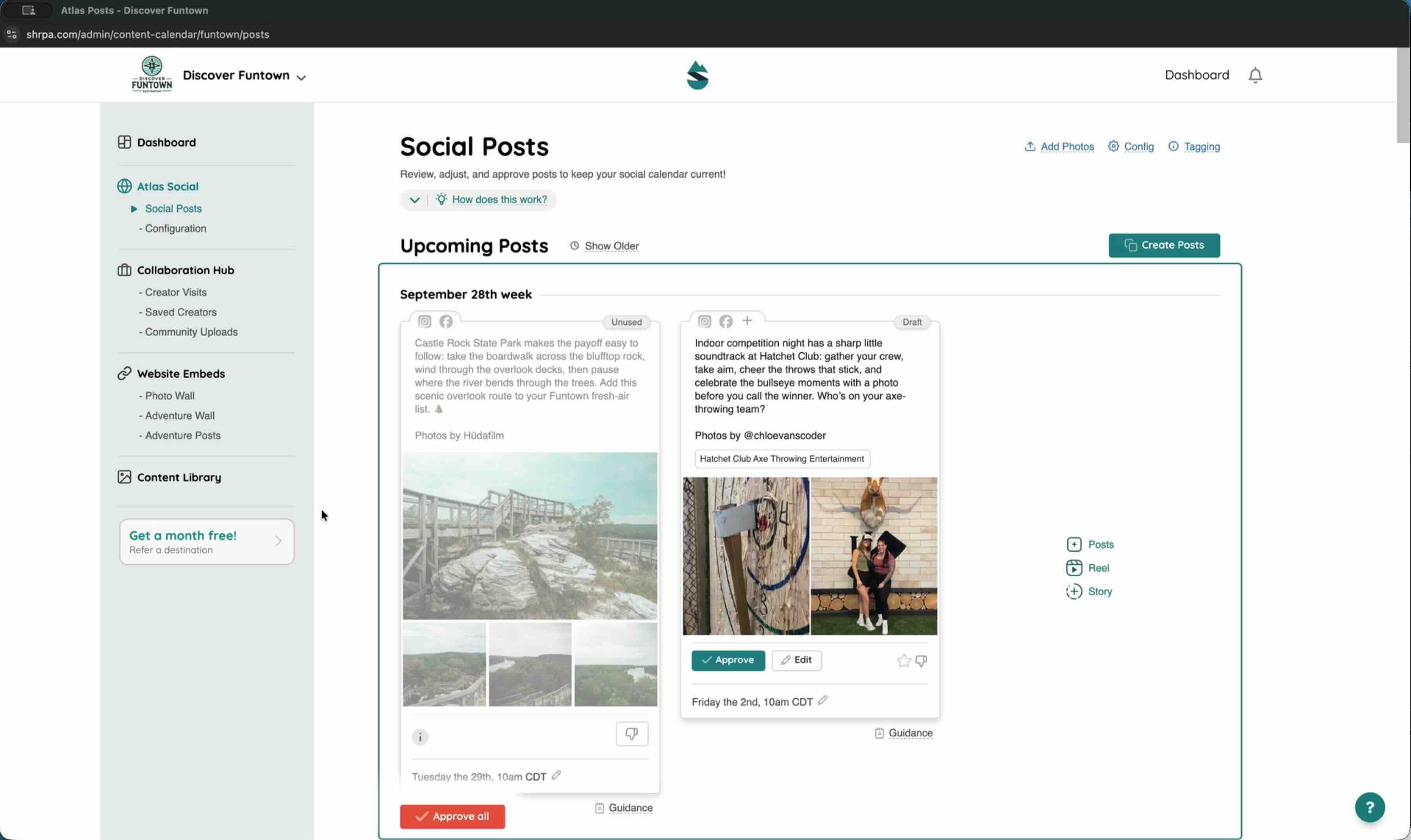
Tagging local partners
Review the businesses Atlas tags and mentions, and fix a missing handle.
Length:
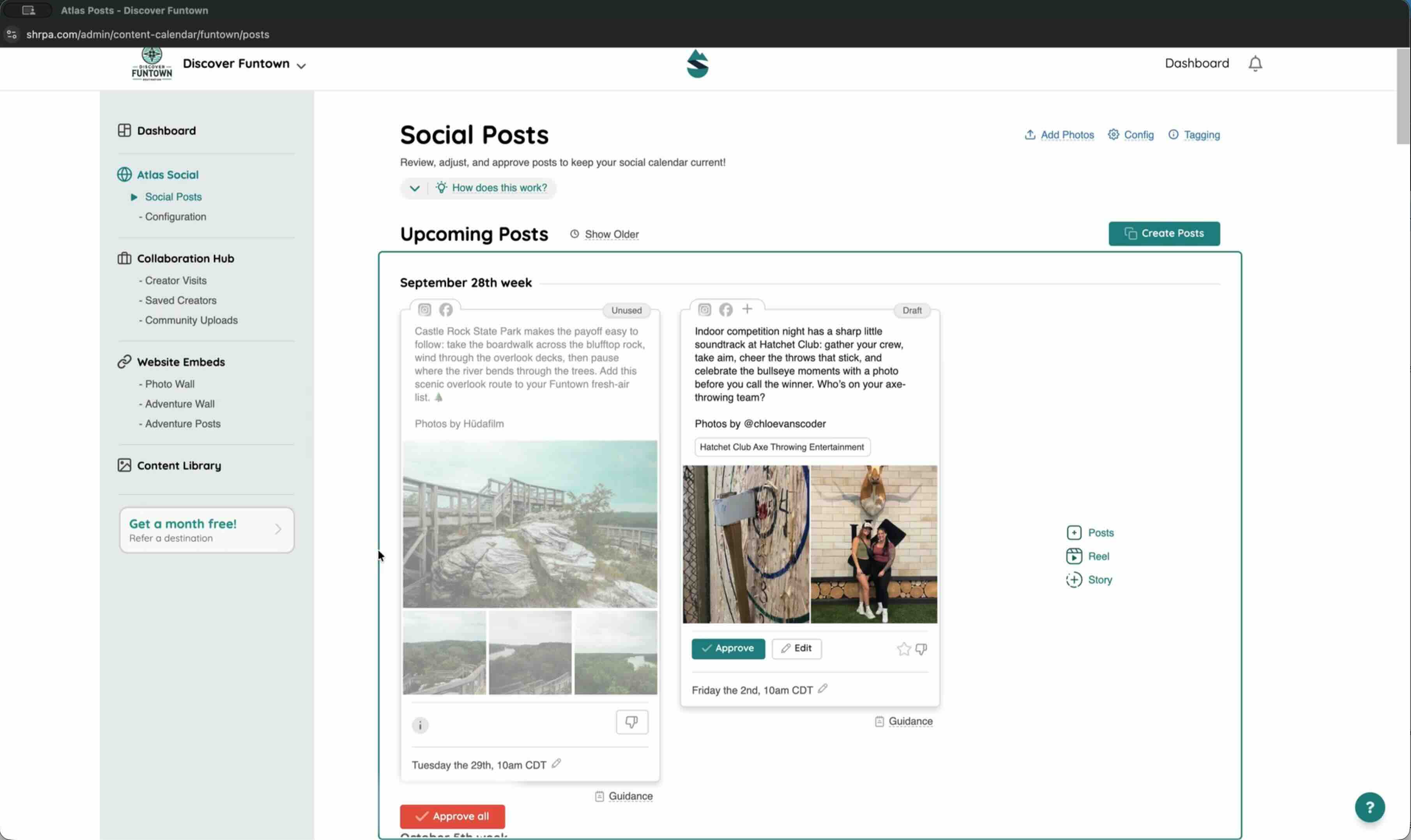
Creating a series with Multiple Posts
Describe a theme once and get up to 12 draft posts on your calendar.
Length:
Creating your own post
Build a post yourself in Manual mode, or give Atlas an idea in AI Assisted mode.
Creator Visits
Plan a visit, choose your creator, and put the content to work.
Length:
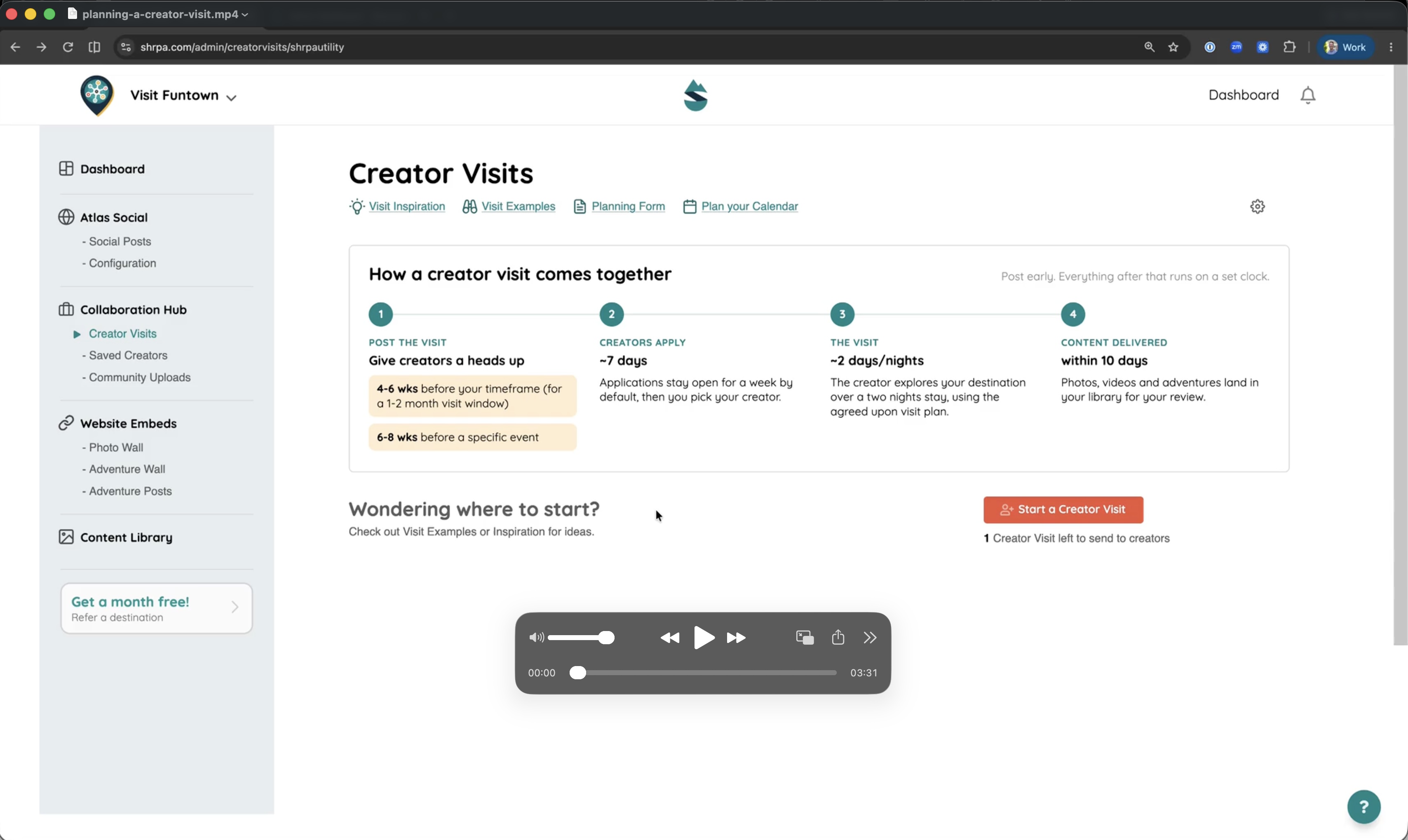
Planning your first Creator Visit
Work through the planning worksheet, draft the visit, and share it with your team.
Length:
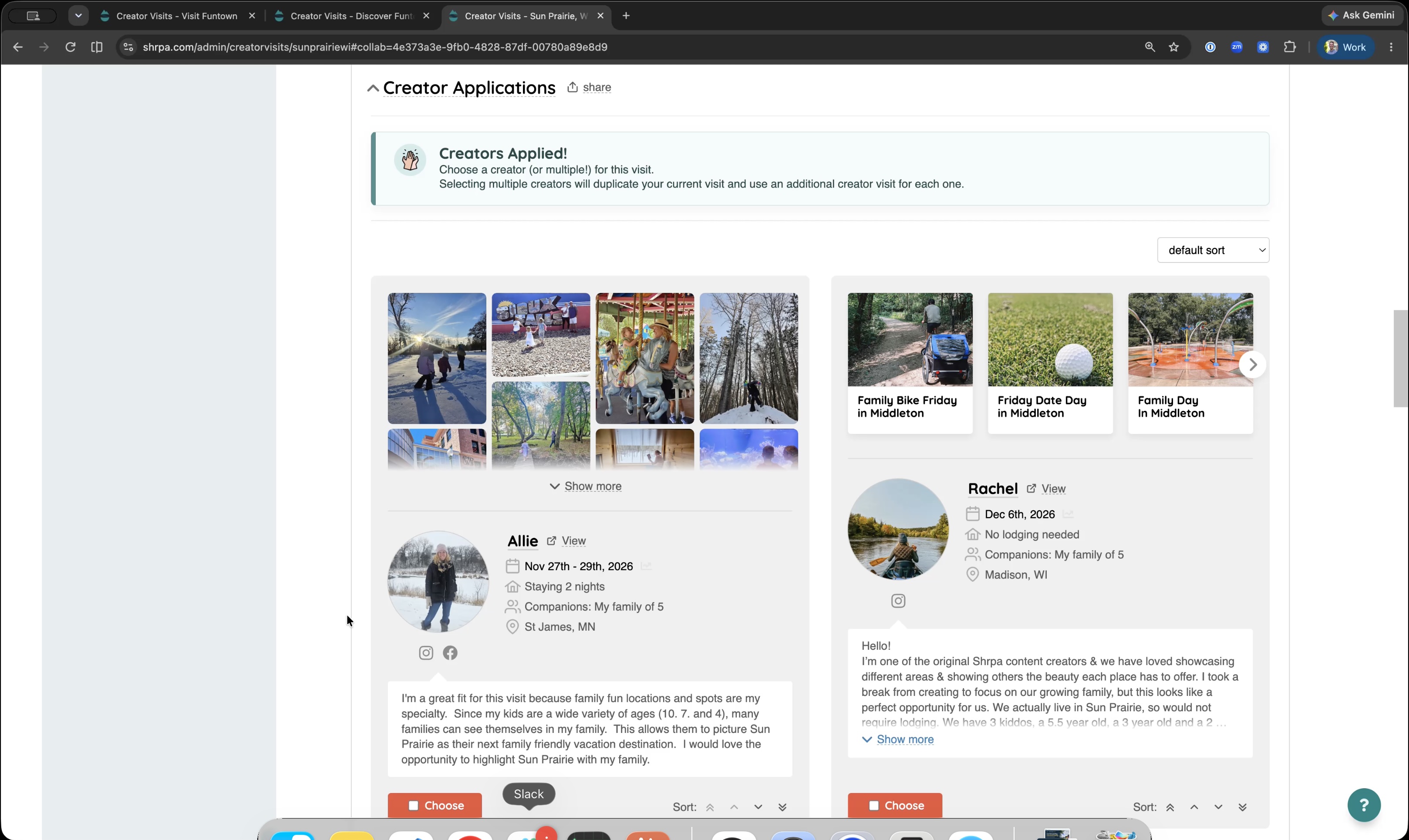
Choosing your creator
Review applicants, share the list with your board, and make your pick.
Length:
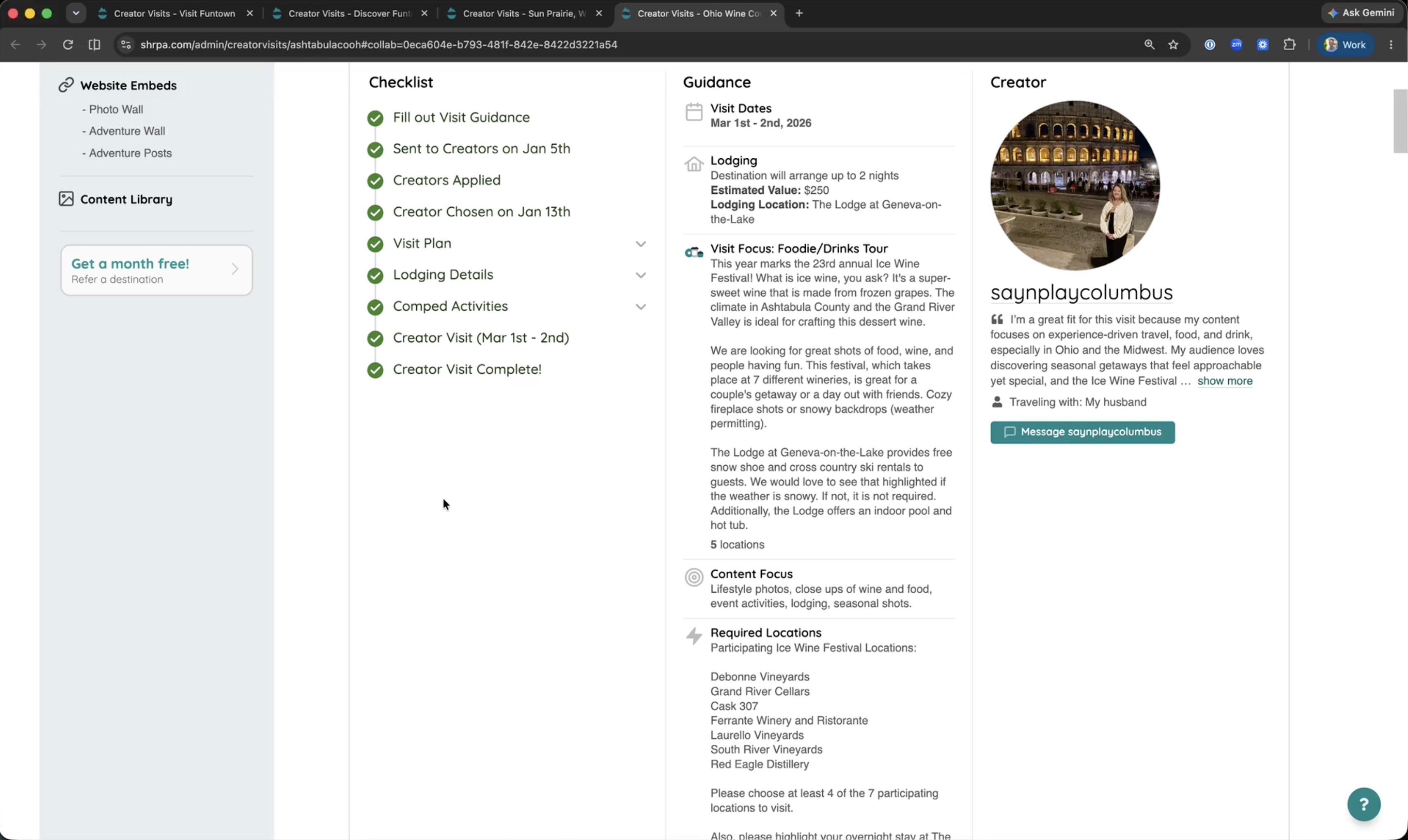
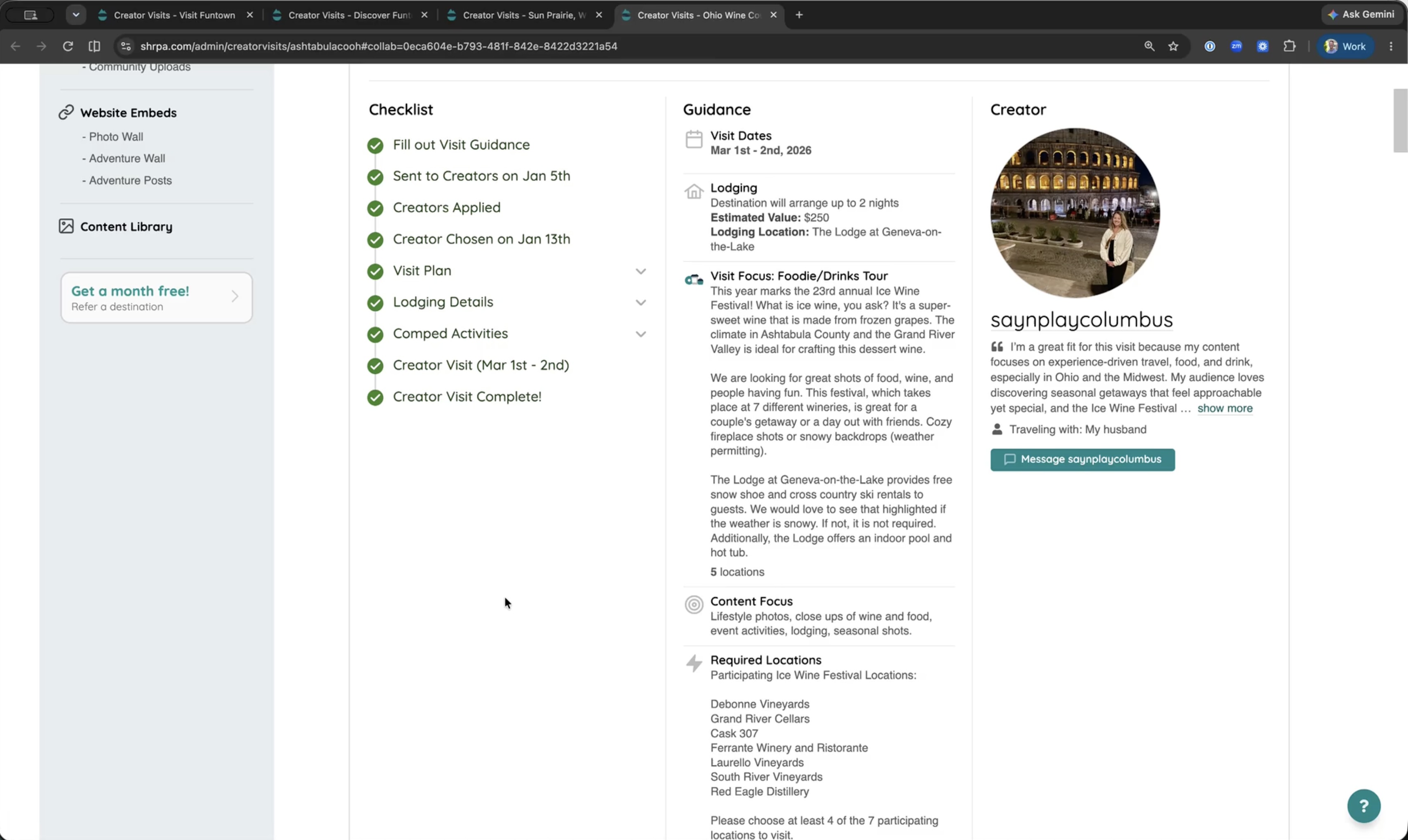
Getting ready for the visit
Confirm dates, line up lodging and comps, and send the creator what they need.
Length:
Reviewing your delivered content
See what the creator delivered and start using it right away.
Length:
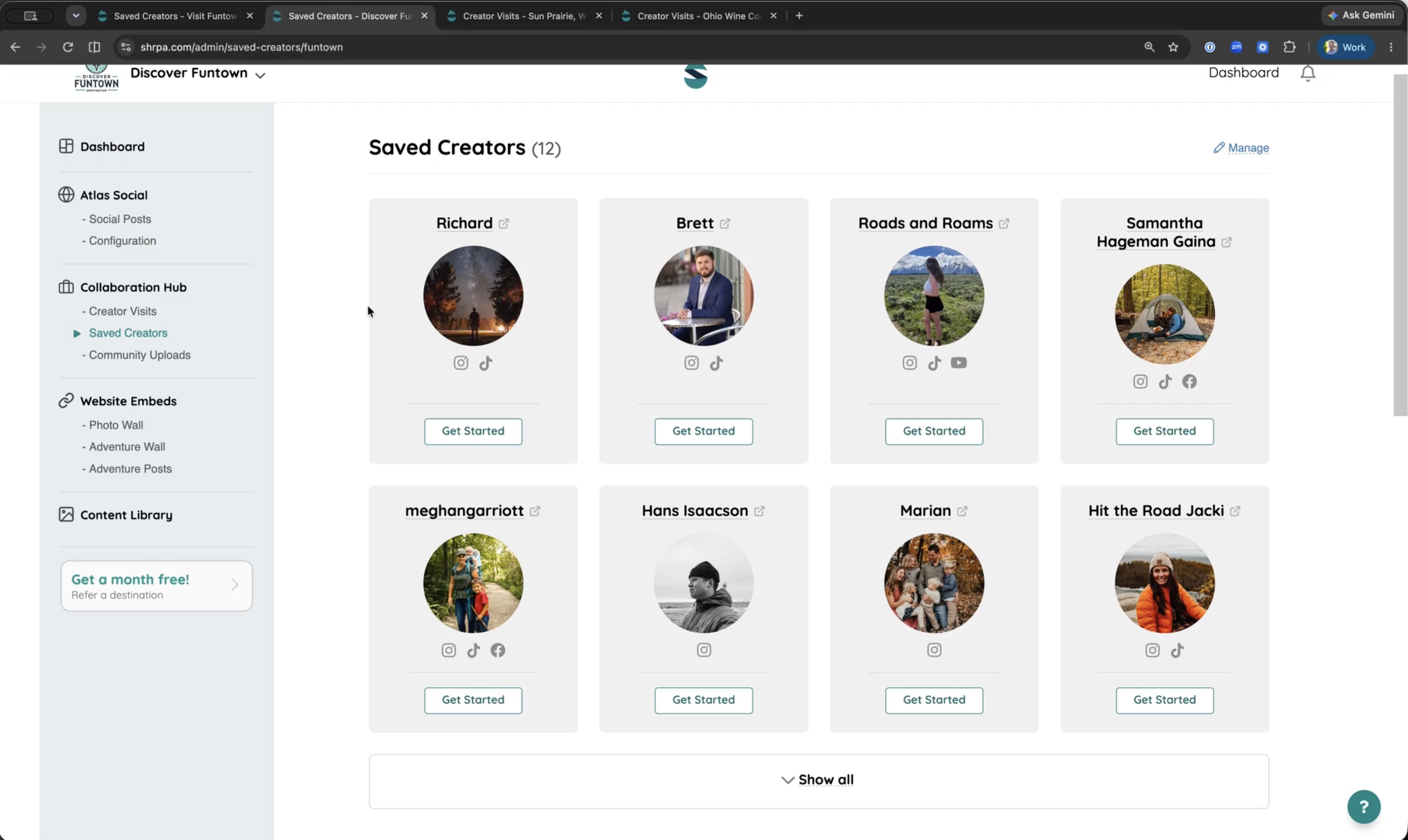
Saving creators for next time
Keep a list of creators you'd like to work with again.
Community Uploads
Collect photos and videos from locals and visitors with a shareable link.
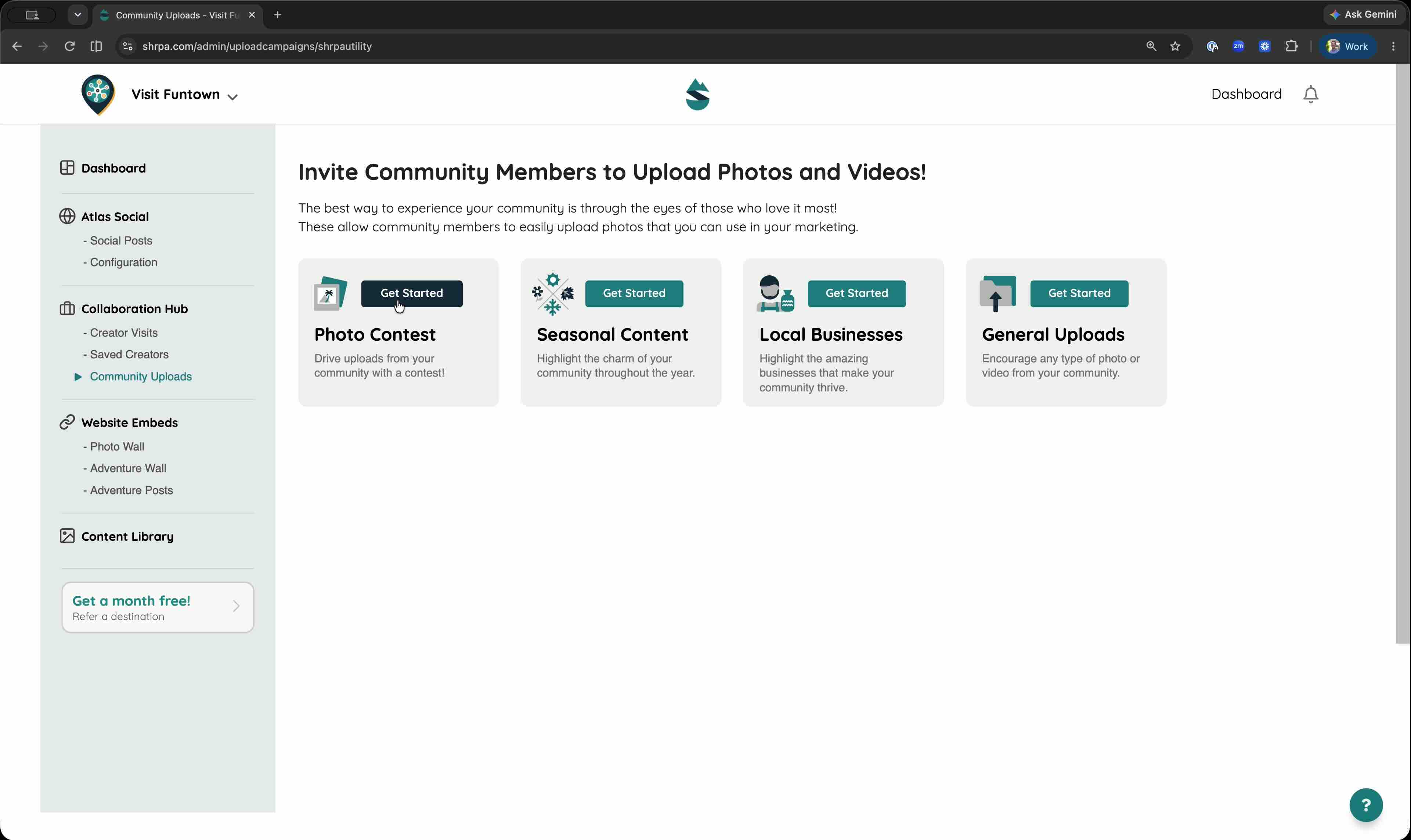
Length:
Collecting photos from your community
Create an upload link and share it on your website, social, or with a QR code.
Website embeds
Put your photos and adventures on your own website with one snippet of code.
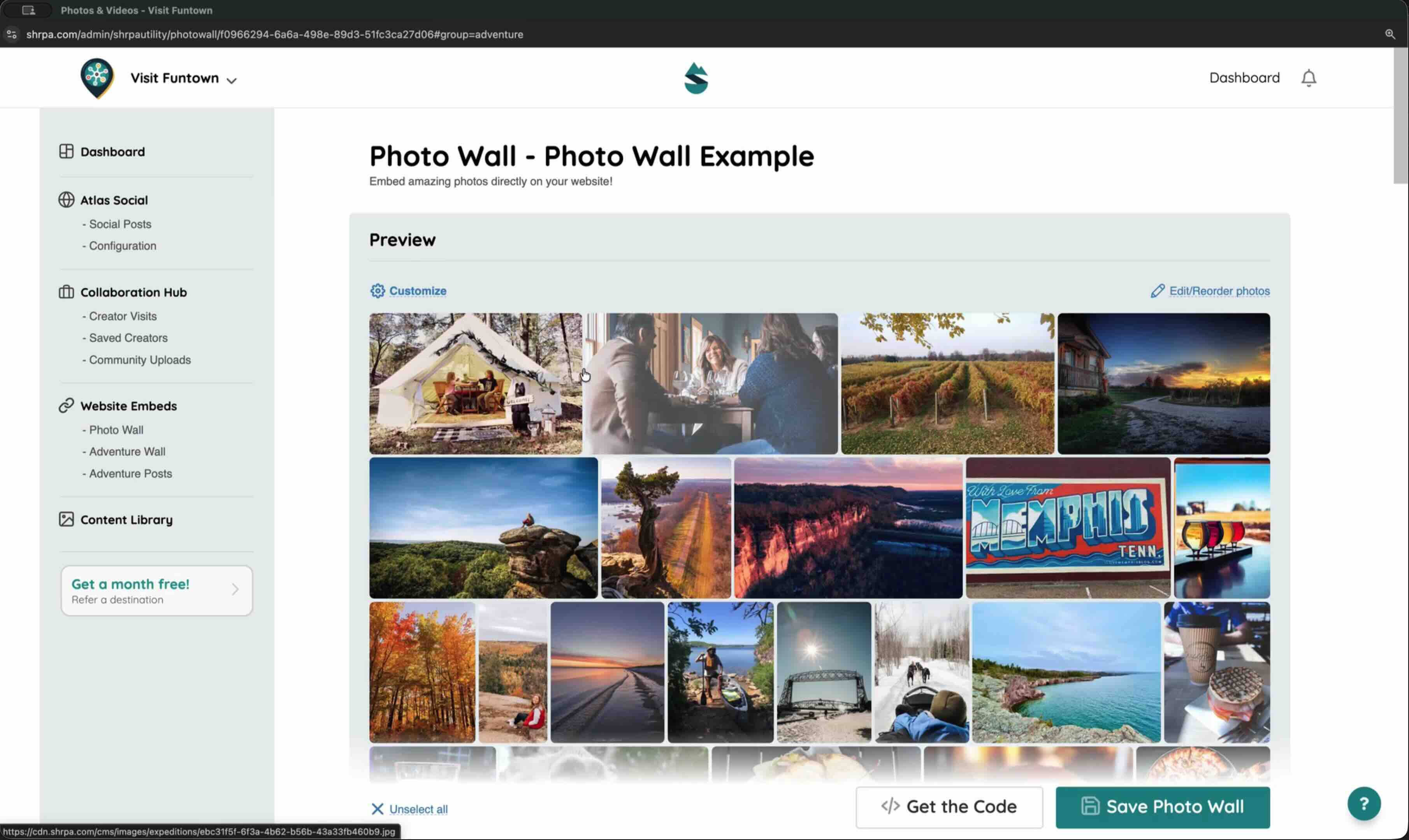
Length:
Adding a Photo Wall or Adventure Wall to your website
Build the embed, copy the code, and paste it into your site.
Content Library
Find, filter, and download everything in your library.
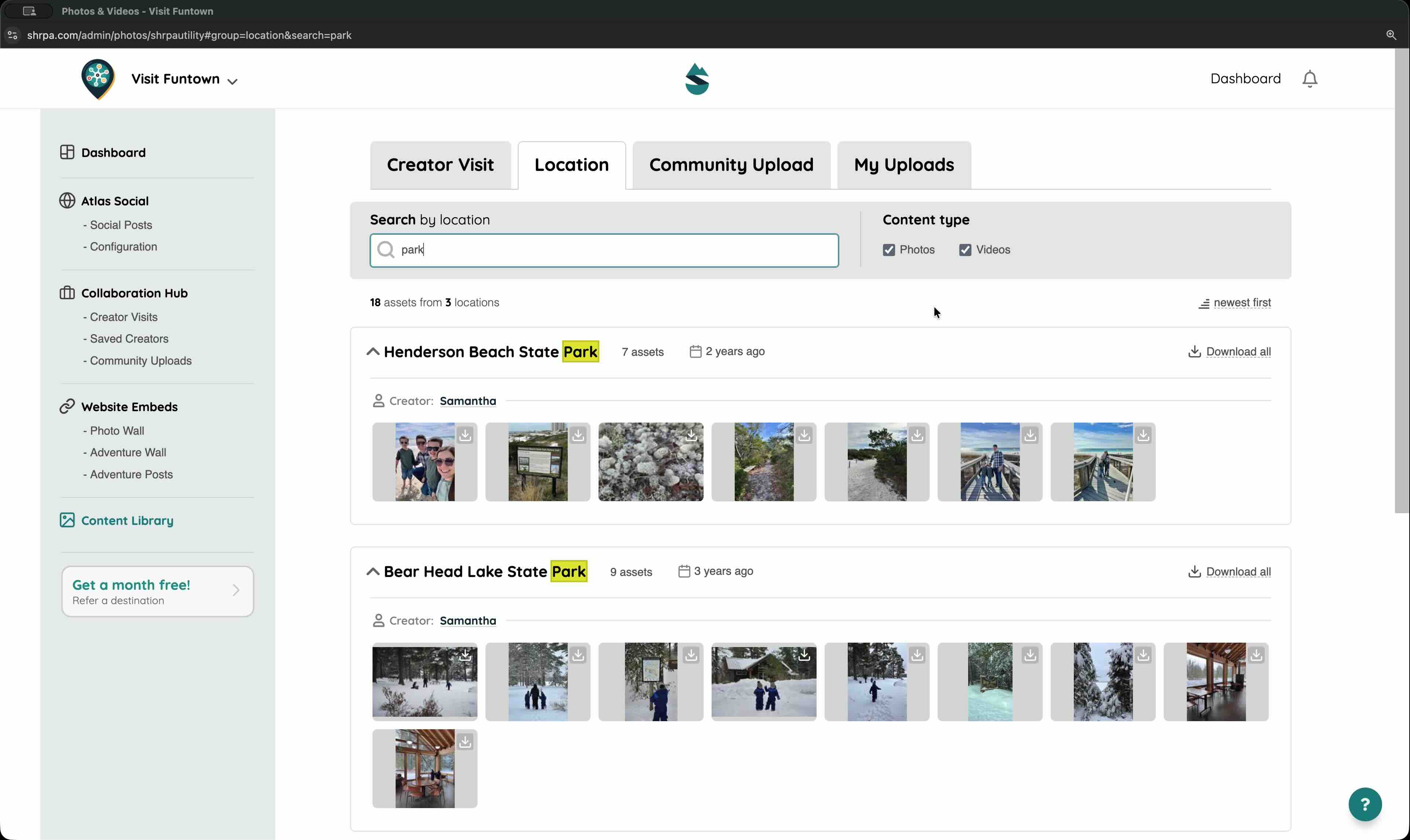
Length:
Finding and downloading content
Search, filter by source, and download what you need.
Account
Manage your subscription and billing.
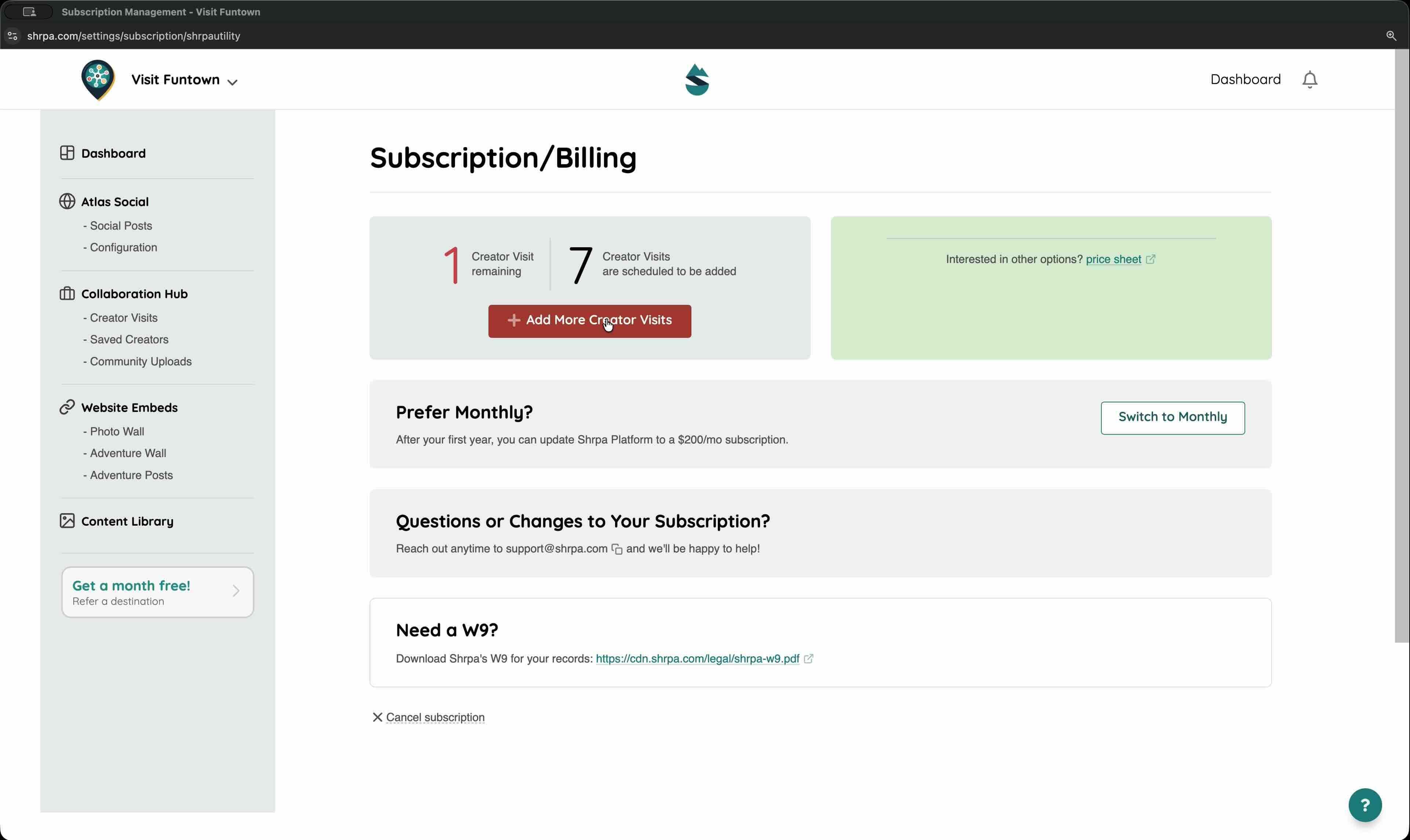
Length:
Managing your subscription and billing
Where to see your plan, invoices, and payment details.