Local Promotion in Atlas Social
Show partners how
you're promoting them.
The next time a partner or board member asks what you're doing to promote local businesses, you'll have the answer. Local Promotion brings the businesses and events in your area into Atlas Social and tracks how often you've featured each one.
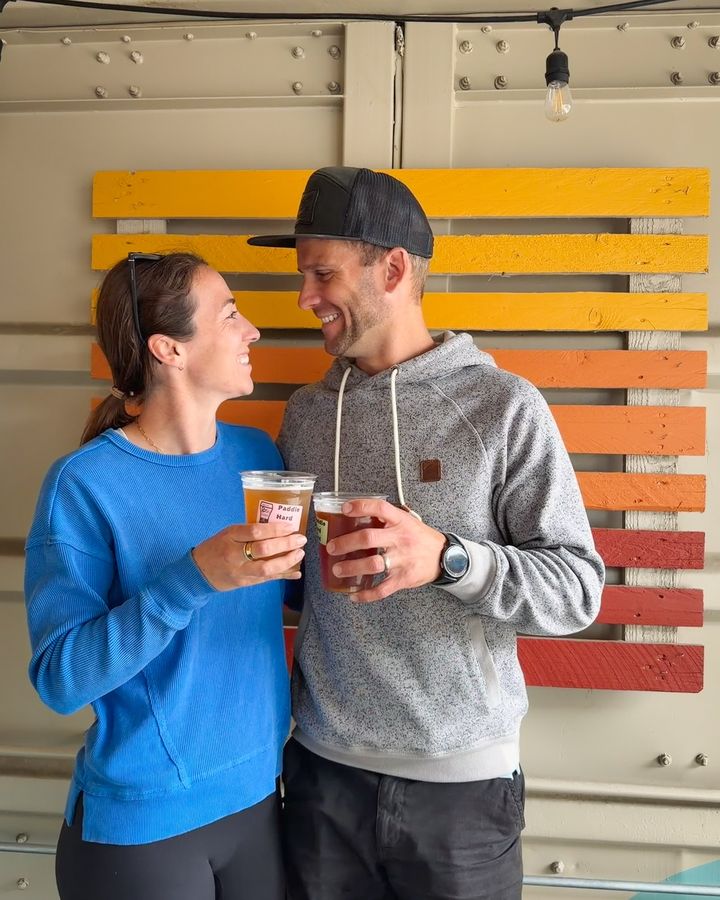
Maple Street Coffee Food & drink · @maplestreetcoffee
- Photos
- 10
- Posts
- 7
- Next post
- Nov 19
Most highlighted
What Local Promotion does
Every local place, in one view.
Local Promotion keeps every business, attraction, and event in your area in one list, along with how often each one shows up in your posts.
Highlight your local gems
We bring the experience-based businesses and community events in your area into Atlas, with their social accounts. Verify the list, add any we missed, and Atlas tags them in the posts that feature them.
Spot who's been overlooked
See which locations haven't been featured yet. Promote them with photos you already have, or fill the gaps with Community Uploads or a Creator Visit.
Promote any place with ease
Add photos to the locations they belong to, so everything you need to feature a business or event is in one place. Then click Promote and tell Atlas what to focus on.
Your promotion report
See who you've featured, and who's next.
Local Promotion counts the posts that feature each location, then sorts your list into the places you've highlighted most and the ones still waiting their turn.
Most highlighted
- Maple Street Coffee7 posts
 Riverside Trail6 posts
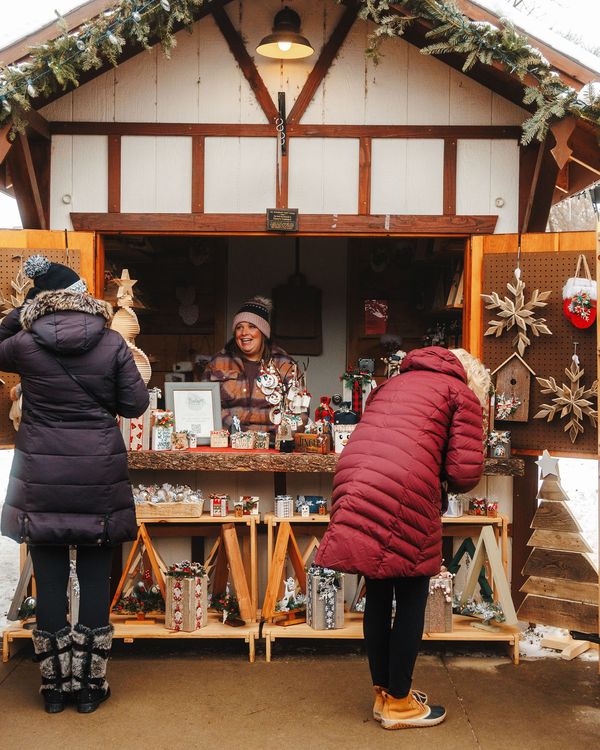 Holiday Market6 posts
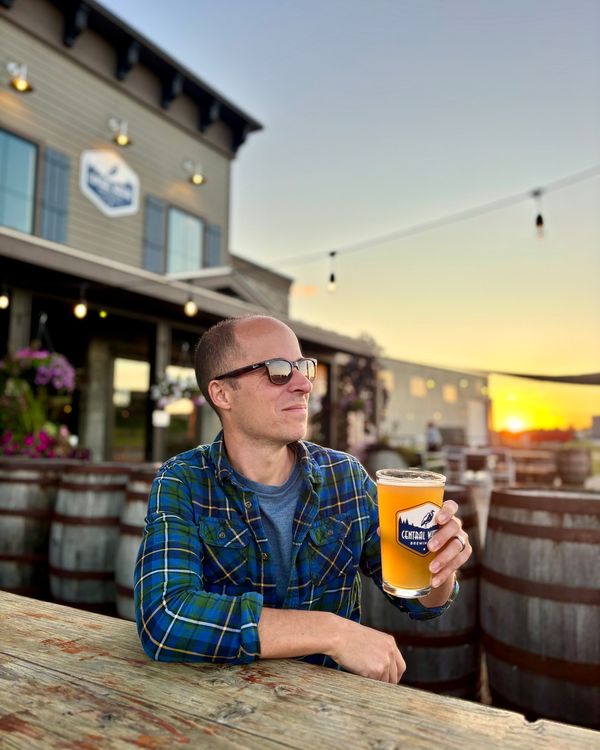 Old Mill Brewing5 posts
Not yet highlighted
- Scoops Ice CreamFood & drink
- Main Street GalleryShopping
- Lakeside LanesEntertainment
- Harvest FestEvents
Promotion coverage
29 of 42 locations highlighted
- Food & drink12 / 15
- Outdoors6 / 6
- Events5 / 7
- Entertainment3 / 8
- Shopping2 / 4
- Lodging1 / 2
Most highlighted
Your most featured locations, ranked by how many posts include them.
Not yet highlighted
Locations that haven't appeared in a post yet. A good place to start when you plan what's next.
Promotion coverage
How much of your list you've featured, overall and by category.
Heading into a board meeting? Switch to approved posts to show the businesses you've promoted, or look at the next 7 or 30 days to show who's coming up.
How it works
From local list to finished post.
Setup takes three steps, and Atlas does most of the work in each one. New to Atlas Social? Start with the overview.
Review what we found
Atlas starts with the businesses, attractions, and events in your area, plus the social accounts it finds for them. Include the ones you want, edit details, and add any we missed.
Add your photos
Upload photos to the locations they belong to. Each place keeps its own photos, ready whenever you want to feature it.
Promote
Atlas builds posts from your photos and tags the locations they feature. To feature a particular place, click Promote and tell Atlas what you want. It drafts one post, or a series, for you to review.


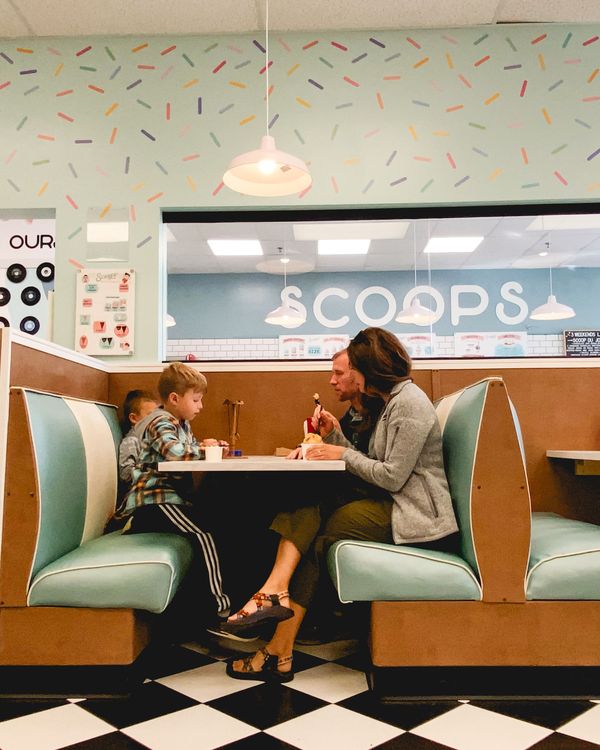
Promote Scoops Ice Cream Food & drink · @scoopsicecream
What should the post focus on?
A sweet break for families between downtown shops. Mention the retro booths.
Your Destination Tue · 11:00 AM
DraftSave room for dessert. Grab a retro booth at @scoopsicecream and pick a flavor for a sweet family break between stops downtown.
No photos yet?
Fill the gaps with fresh content.
Promote builds a post from a location's photos. When a place doesn't have any yet, Local Promotion makes that easy to spot, and there are three ways to fill it.
Your uploads
Photos from your team's phones, shared drives, and past campaigns.
Community Uploads
Locals and visitors share their photos through an upload link or QR code.
Creator Visits
A vetted regional travel creator visits and photographs the places you choose.
Common questions
Questions about Local Promotion
Where does the list of locations come from?
Atlas starts with the experience-based businesses, attractions, and community events in your area, along with the social accounts it can find for them. You review the list, include the places you want, and add any we missed. You can add more locations anytime.
What counts as highlighted?
A location is highlighted once it appears in one of your posts. Local Promotion counts those posts for each location and shows the date of its latest post, and whether it's scheduled or published. You can view all posts, approved posts, or drafts, over all time or the next 7 or 30 days.
Why can't I promote some locations?
Promote builds a post from a location's photos, so a location needs photos first. Upload some to it, collect Community Uploads, or plan a Creator Visit to fill the gap.
What happens when I click Promote?
You tell Atlas what the post should focus on, and it drafts a post featuring that location. Choose the multiple posts option, and Atlas drafts a series instead. You can change the caption, photos, and timing of any draft, and nothing publishes until you approve it.
Will the businesses be tagged in the post?
Yes, when Atlas has their social handles. Each location in your list carries its Instagram, Facebook, and TikTok accounts where available, and posts that feature it tag and mention those accounts. You can review the tags before you approve.
Does Local Promotion cost extra?
No. Local Promotion is part of Atlas Social, which is included in your Shrpa Platform subscription.
See it in action
Give more local places their moment.
Book a demo, and we'll walk you through Local Promotion and the rest of Atlas Social. Already a customer? Open your dashboard and choose Local Promotion under Atlas Social.