
Atlas Social for resorts
Less time posting,
more time hosting.
Be found where trips begin. Atlas Social turns your resort's photos into a season of Facebook, Instagram, and TikTok posts that sound like you. Nothing goes out until you approve it.
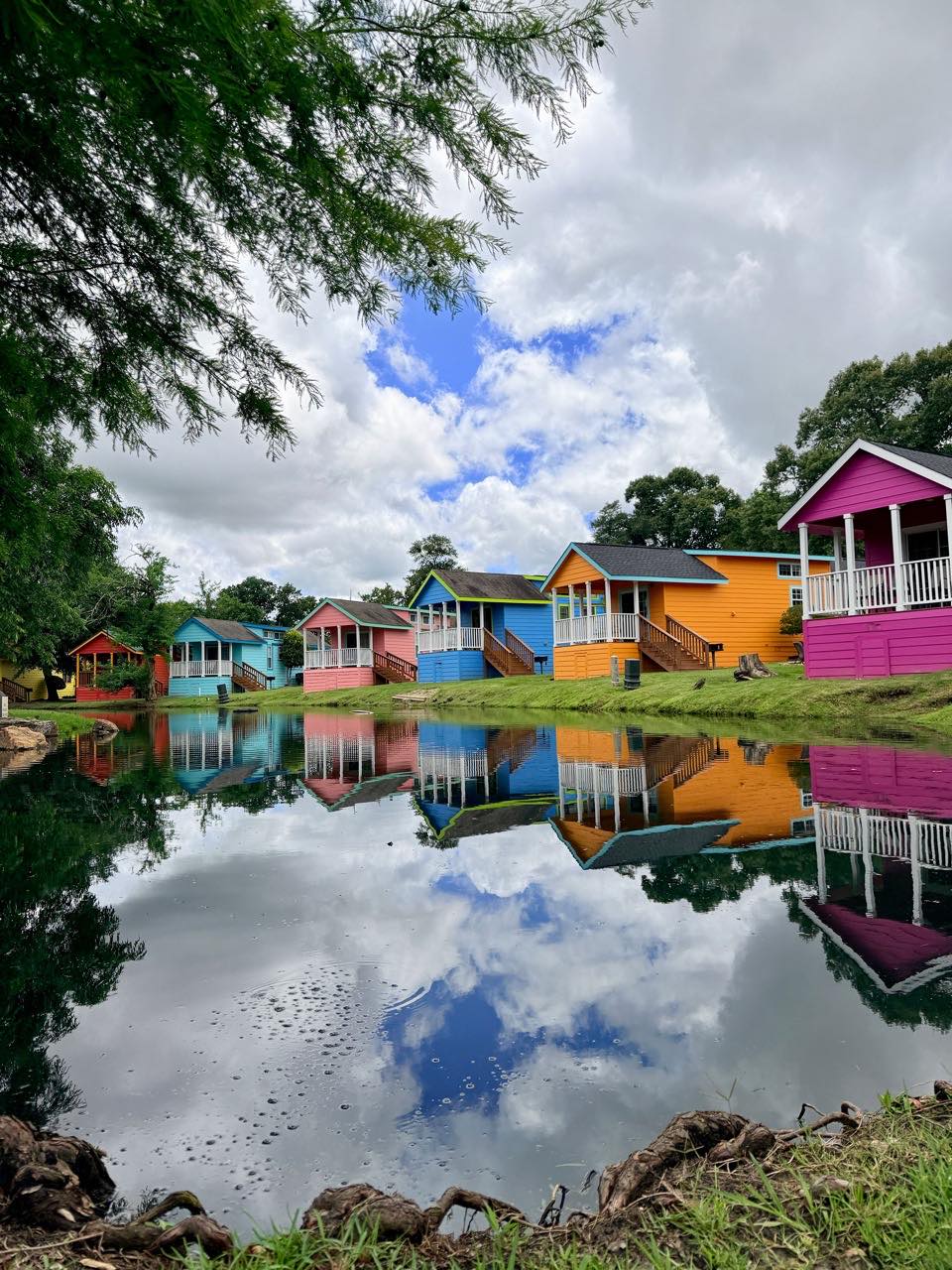
Your Resort Scheduled · Thu 10:00 AM
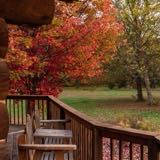
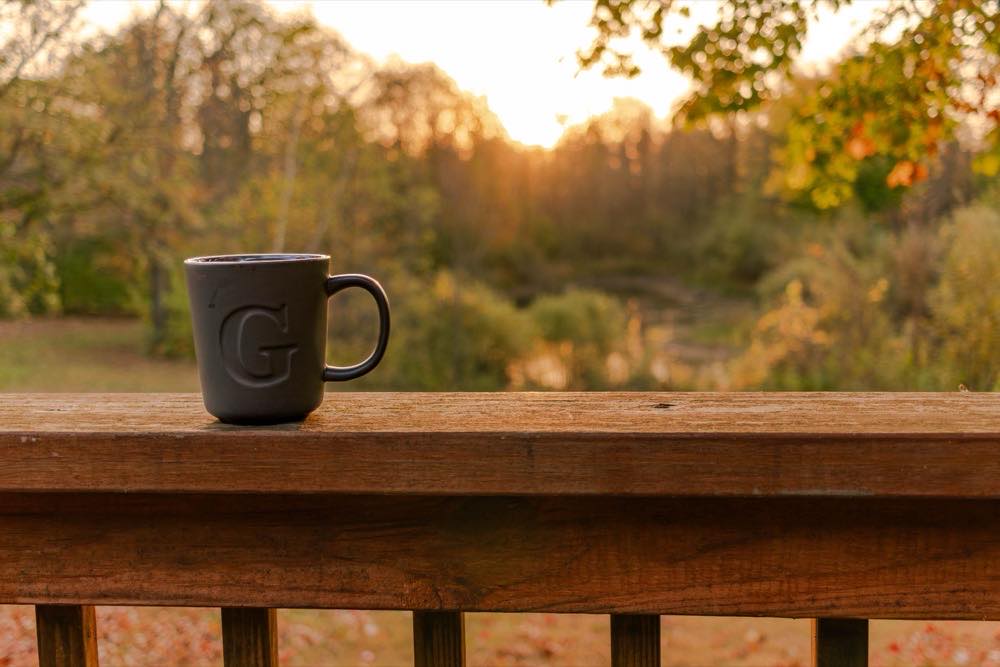
Fall color is peaking on our trail this week. Cabins 3 and 5 are open Oct 16 to 19. Message us to grab one.

Approved by you
Next up Fishing report · Sat 10:00 AM
Why resorts use Atlas
Stay in front of guests all season.
Guests start picturing their trip long before they book. Atlas keeps your resort in their feed every week, from the first warm weekend to the last fall color, without another job on your list.
Promote openings and quieter seasons
Shoulder-season dates and last-minute openings reach guests while they're still planning.
Stay visible without adding work
Posts keep going out all season, even when you're too busy to think about social.
Help guests picture their stay
Your photos and your guests' photos show what a real stay at your resort looks like.
Posts for every part of your season
- Last-minute openings
- Fall color
- Fishing reports
- Weekend events
- Guest photos
- Cabin spotlights
How Atlas Social works
Social posts, without the scramble.
Your photos
Upload photos from your phone or computer. Guests can share theirs too, through an upload link or a QR code you post around the property.
Your voice
Tell Atlas about your resort and what's coming up. It plans your calendar, picks the photos, and drafts captions that sound like you.
Your approval
Review each draft, adjust anything you like, and approve it. Nothing posts until you say so, and approved posts go out on schedule.
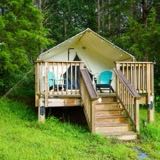
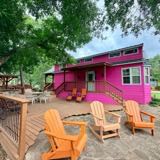

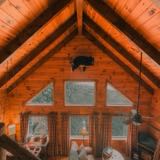

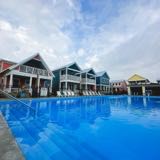
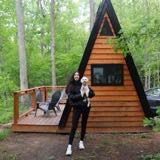

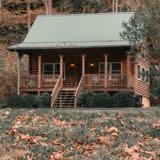
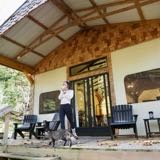
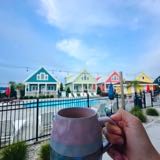
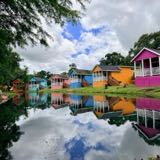
Your Resort Sat, Sep 25 · 10:00 AM
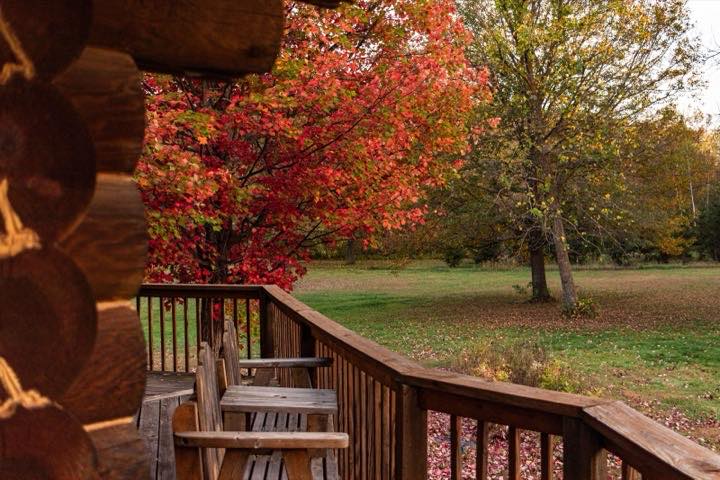
Needs your OKCabin 4 just opened up for Oct 1 to 3, right as the maples turn.
In their words
“With our crazy schedules & amount of work each day, the brain power & creativity are tapped. This is a great tool allowing us to have a presence on social media.”
“Well, that was quite possibly the easiest thing I’ve ever done in my life.”
Need fresh photos?
Invite a creator to stay.
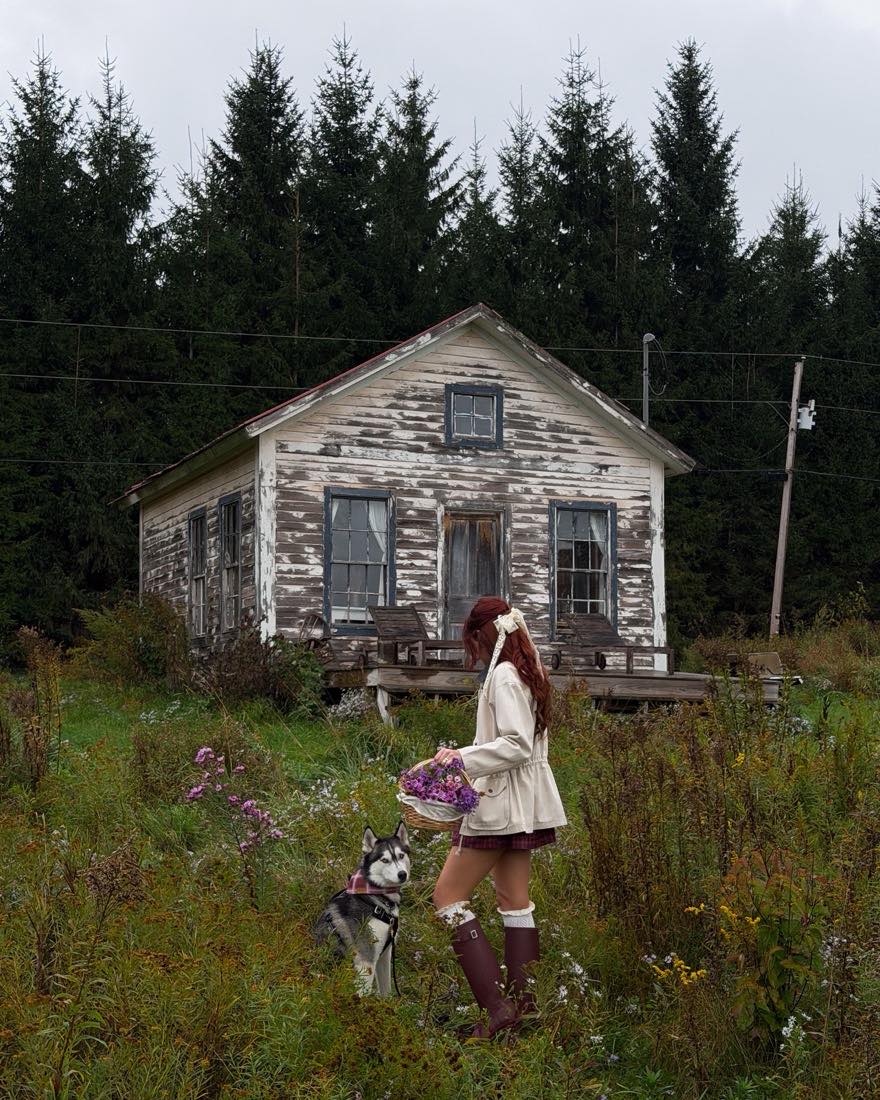
A Shrpa Creator Visit brings a vetted regional travel creator to your resort. They capture photos and video from a guest's point of view, and the content lands in your library, where Atlas can put the photos to work.
Common questions
Questions from resorts
Do we need professional photos to start?
No. Phone photos work, and so do photos from past seasons. Guests can also send theirs through an upload link or QR code, and they land in the same library Atlas draws from.
Which social networks can Atlas post to?
Facebook, Instagram, and TikTok. Connect your accounts, and Atlas publishes approved posts to them on schedule.
Will the posts sound like our resort?
Atlas drafts captions from your photos and what you tell it about your resort, like what guests love and what's coming up. You can edit any caption before you approve it.
Can we plan a whole season ahead?
Yes. Describe a theme, how often to post, and for how long, and Multiple Posts drafts a series of up to 12 posts for your calendar. It works well for a run of fall color or summer weekend posts.
Does every post need our approval?
Yes. Atlas prepares the drafts, and your team decides what goes out. Nothing publishes until someone on your team approves it.
Get started
Spend the season hosting.
Book an intro call, and we'll show you how Atlas plans a season of posts from your resort's own photos.